About Lisa
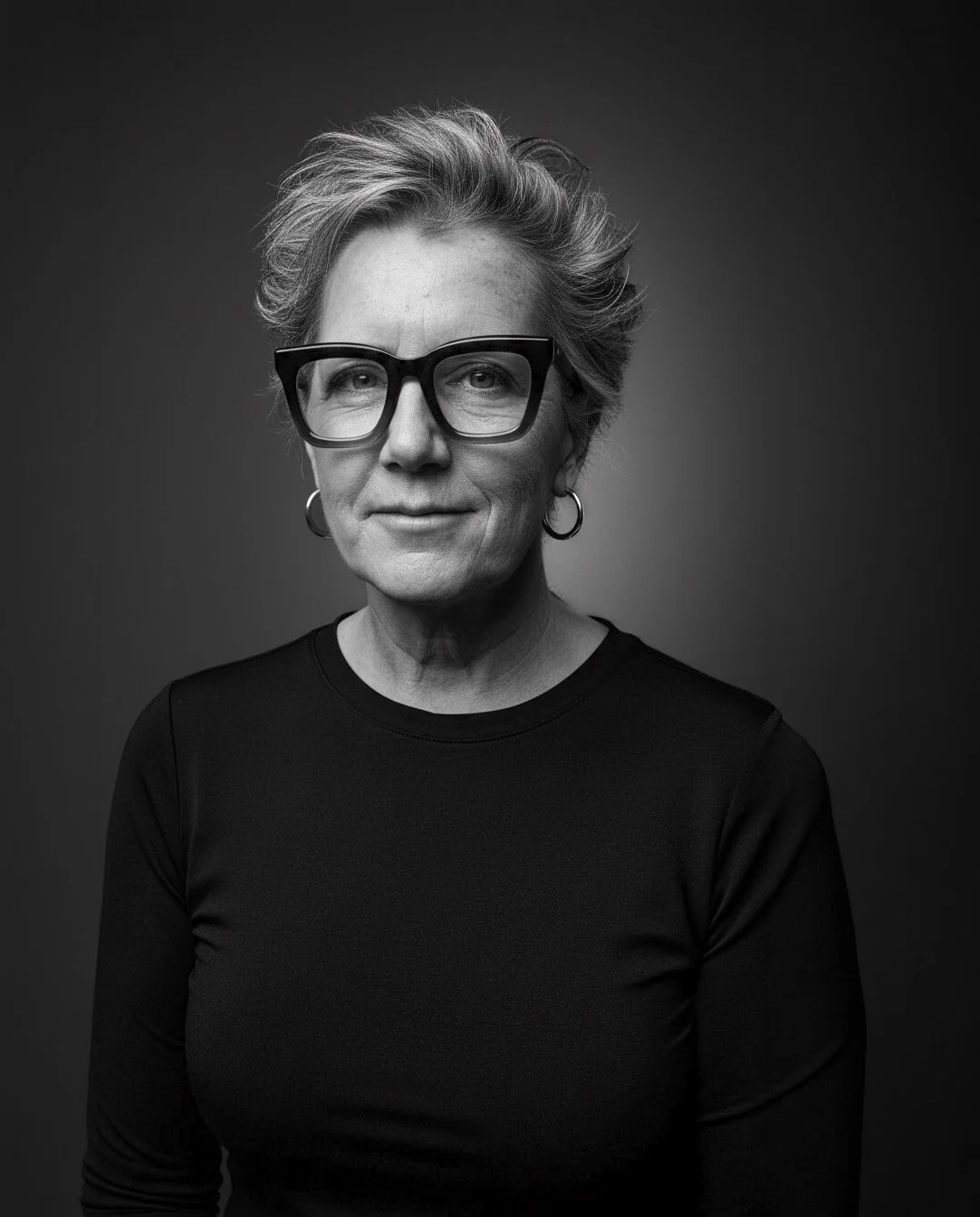
I’m a high-end entertainment and beauty retoucher turned educator, specializing in teaching photographers and creatives how to craft powerful images with Photoshop and their phones.
For over 30 years my retouching work has appeared on movie posters and campaigns for some of the most recognizable films and television shows in Hollywood.
I’ve always seen myself as a collaborator and problem‑solver: the person studios call when they need skin to look luminous, composites to feel seamless, and visuals to tell a clear story under impossible deadlines. That same mindset now drives the way I teach—practical, direct, and focused on real‑world results.
Teaching & Workshops
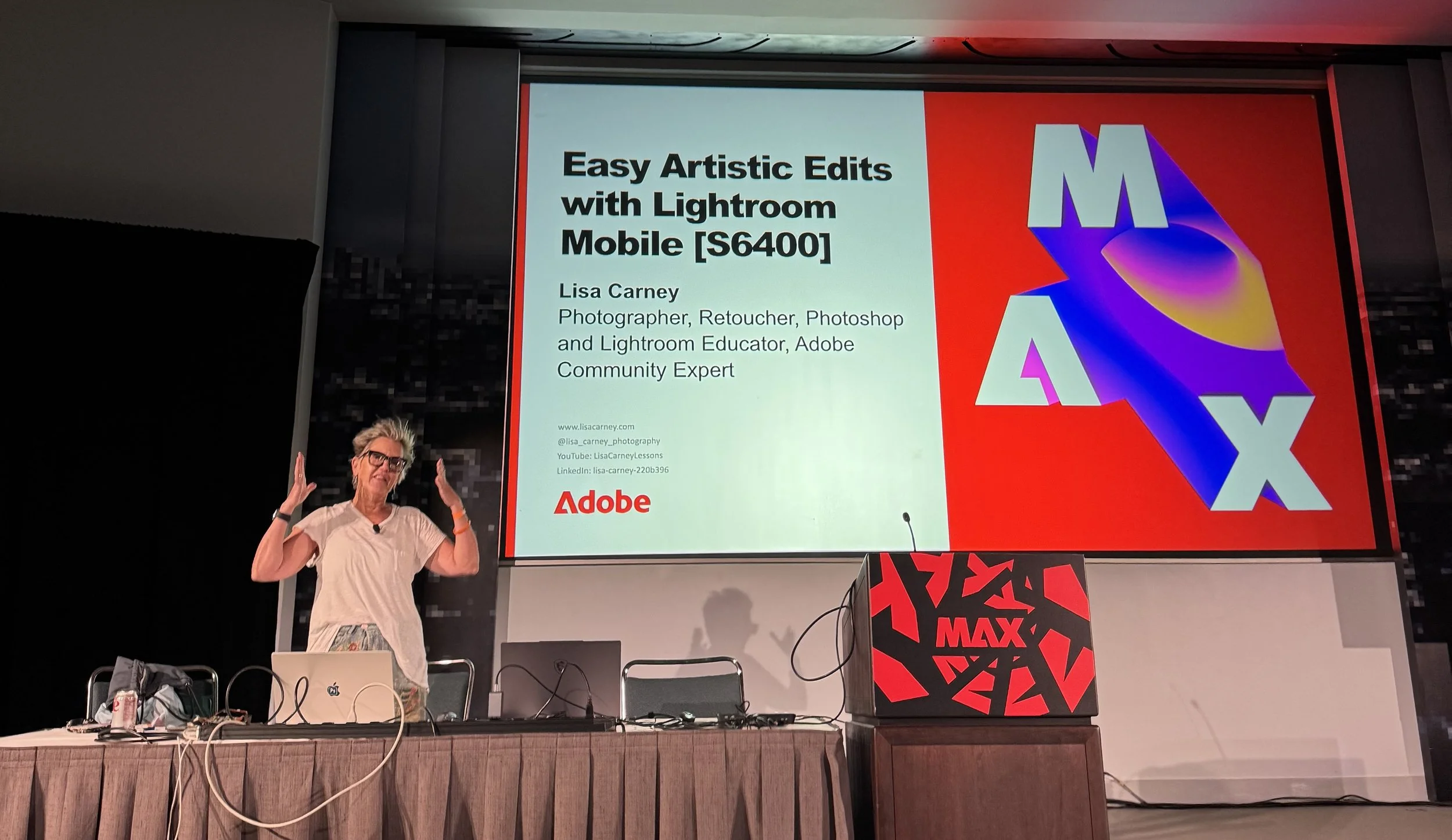
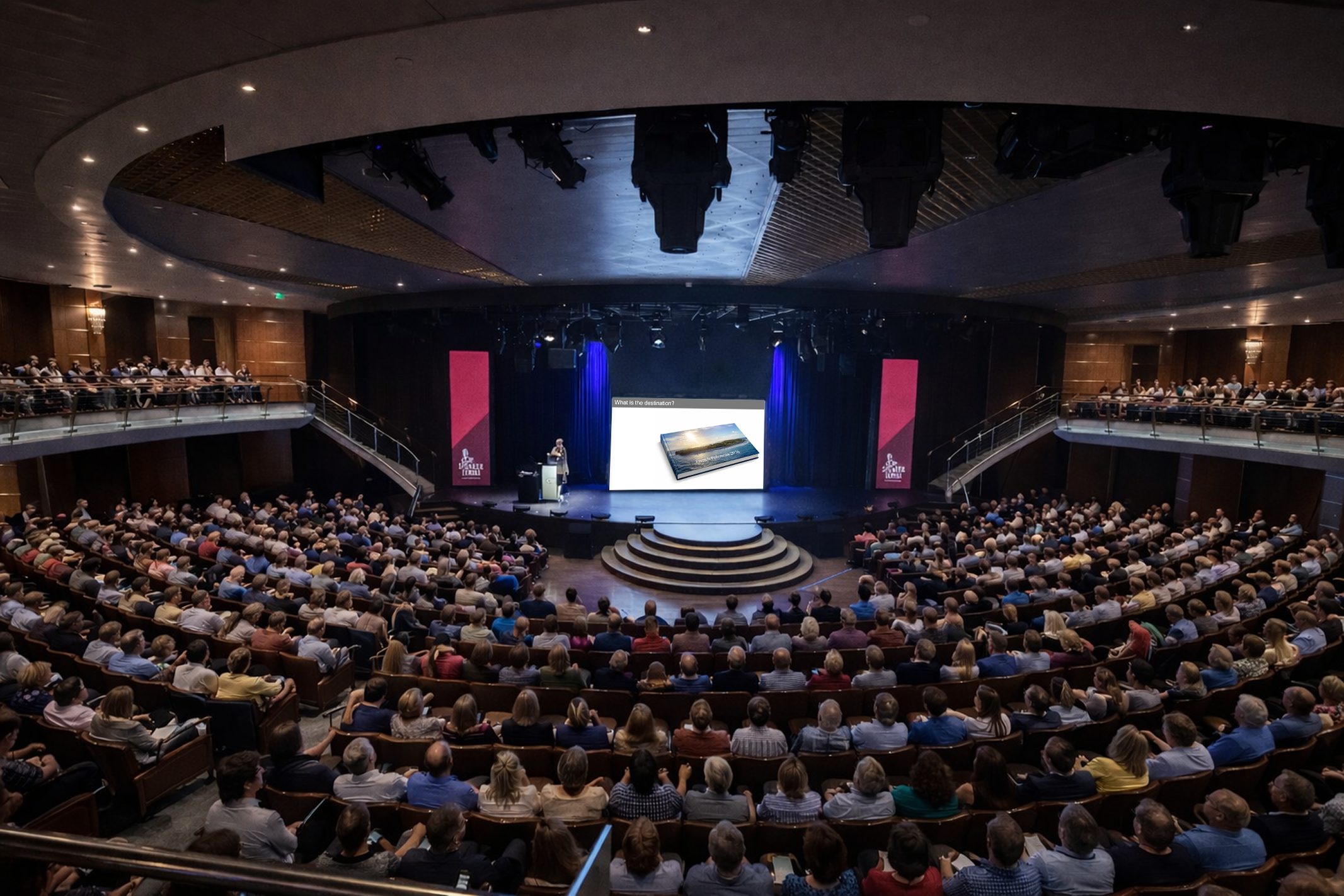
These days my primary focus is helping others grow through instruction—privately, in group workshops, and increasingly through online classes you can take from anywhere. I teach working photographers, designers, and enthusiasts who want to sharpen their retouching, color, and compositing skills without losing authenticity or skin texture along the way.
In my Photoshop and retouching classes, we dig into production‑level workflows: beauty cleanup, color grading, shaping light, and finishing files for print, streaming platforms, and social media. I emphasize a non‑destructive, “less is more” approach so images feel elevated, not over‑processed.
Whether we’re meeting one‑on‑one, in a small group, or inside a live online session, my goal is always the same: give you techniques you can use on your very next job, and the confidence to experiment long after the class is over.
Mobile Photography
I’m especially passionate about mobile photography—using the camera that’s already in your pocket to create gallery‑worthy images and tell richer visual stories. In my mobile photography workshops, I show you how to see like a retoucher while you shoot: making smart choices with light, framing, and timing so the edit becomes faster and more intentional.
We cover everything from capture settings and shooting on the street or on set, to editing with apps like Lightroom Mobile and other creative tools. Along the way, we explore how to build cohesive series, create mood, and develop a personal style using only your phone.
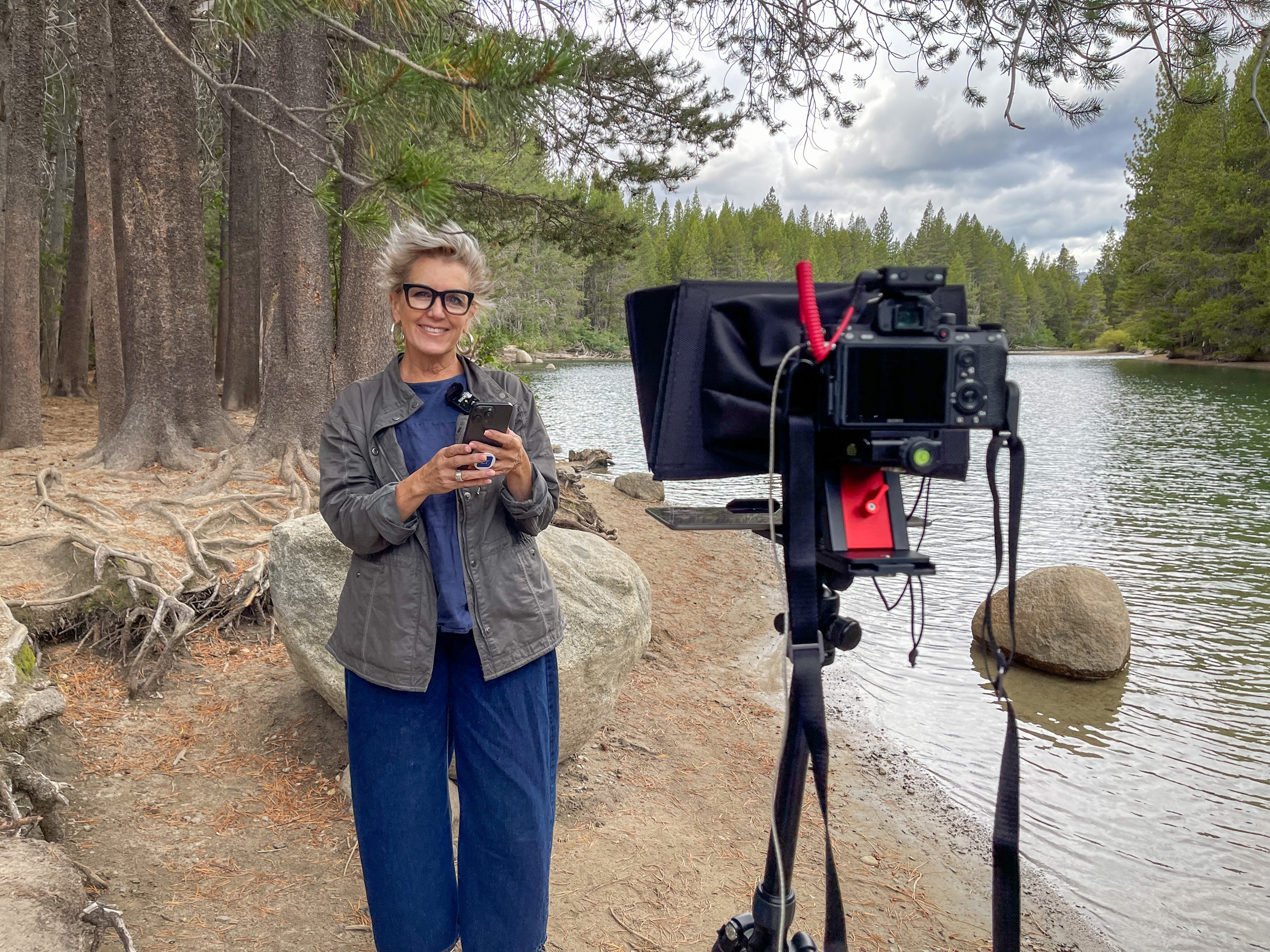
Being based in the Tahoe–Truckee area of California gives me a natural outdoor classroom—mountains, snow, forests, and changing light that are perfect for exploring what mobile cameras can really do. Many of my students are surprised by how far they can push mobile images when they apply professional retouching principles to real‑world locations like these.
Background & Locations
I previously spent five years living in rural France, working remotely on Hollywood campaigns from a tiny village and a very quiet studio. That experience convinced me that with the right tools and mindset, you can create top‑tier imagery from almost anywhere.
Now, from my home base in Tahoe–Truckee, I continue to travel for select projects and workshops while teaching online to students around the world.
Work & Portfolio
When I’m not teaching, I’m still very much in love with photography and the craft of finishing images. My portfolio includes entertainment, beauty, and personal work, along with ongoing mobile photography projects.
To see what I’m currently working on—and to get a feel for the kind of imagery we explore in class—visit my portfolio and Behance, and keep an eye on the Education section of my site for upcoming workshops and new online courses.

PHOTOWALKS: I love love love doing Photowalks!
Occasionally I get to work on some pretty amazing projects.
The Christmas Project is a heartfelt charity project giving hospital bound families an opportunity to share in the holiday spirit, even though they are in hospital.
Check out this Christmas Shoot:

Sadly we lost this little angel , may she rest in peace.

Mermaid Book, take a look. It was a great project to work on.
HERE ARE SOME QUICK TUTORIALS:
Create more dynamic travel photos with Lightroom on mobile
https://www.adobe.com/learn/lightroom-cc/web/edit-travel-photos-lightroom-mobile
Tip: Add eye-catching creative effects in Photoshop mobile
https://www.adobe.com/learn/photoshop/web/creative-effects-photoshop-mobile
Tip: Use Harmonize to blend layers in Photoshop on mobile
https://www.adobe.com/learn/photoshop/web/harmonize-blend-layers-photoshop-mobile
